Adding Perlin Noise to VoxyGen

VoxyGen has had a lot of updates in the past few months, and I’ve been working on an extensive post detailing all the new features. But in the meantime, here’s a fun little update I added today that should yield some cool results when used correctly.

I’ve added Perlin noise to VoxyGen for commands that require seeds! Currently, this only includes spires and life, but I’m sure it will have plenty of uses in the future.

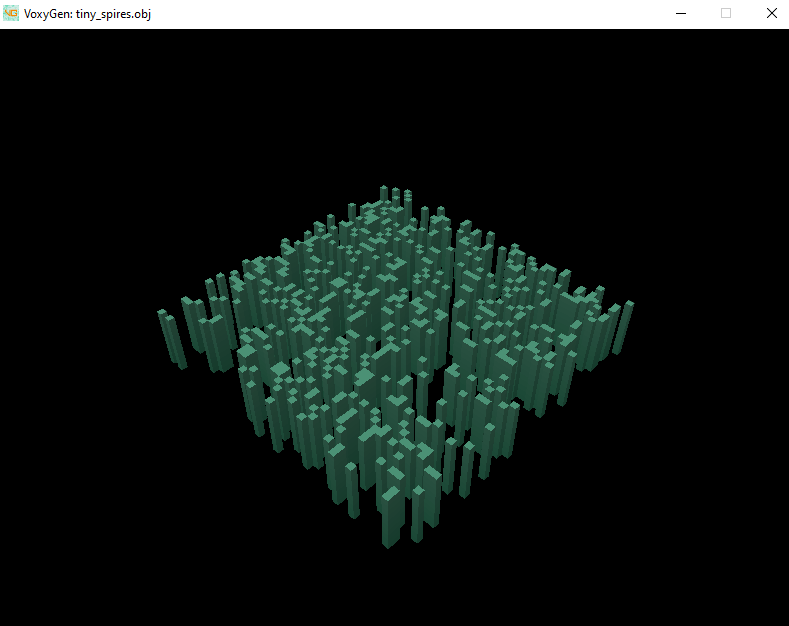
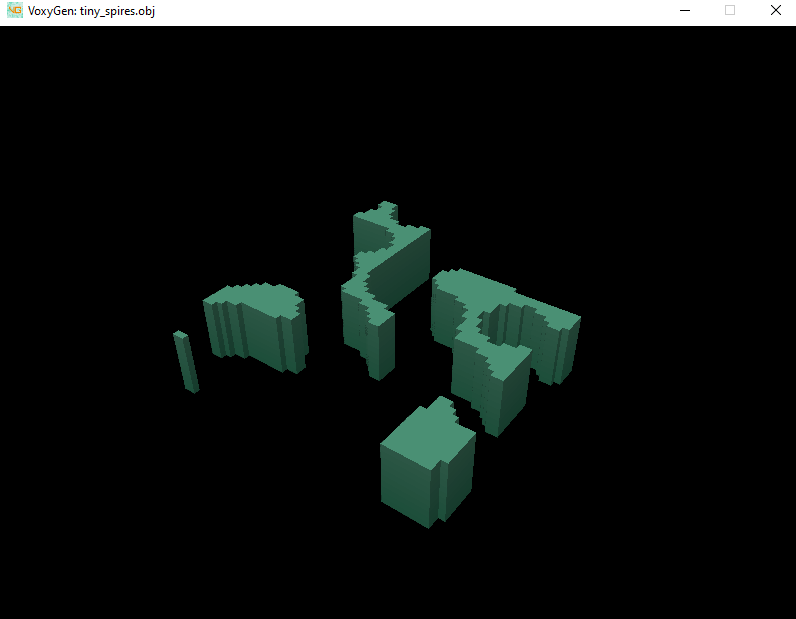
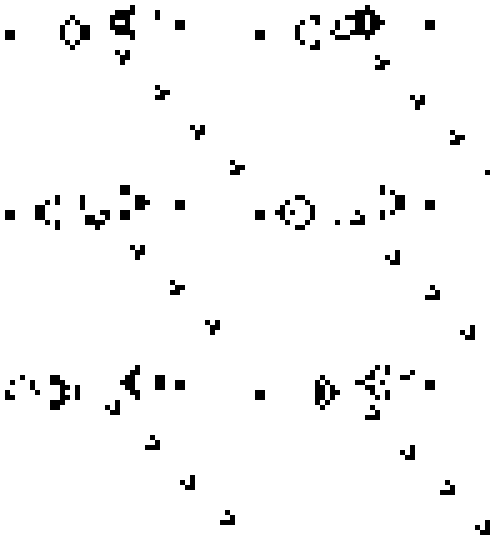
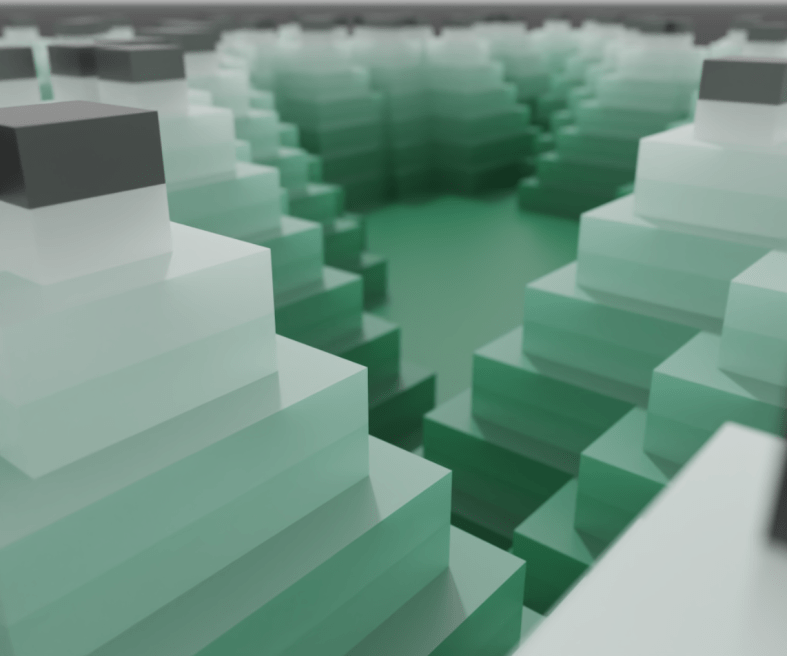
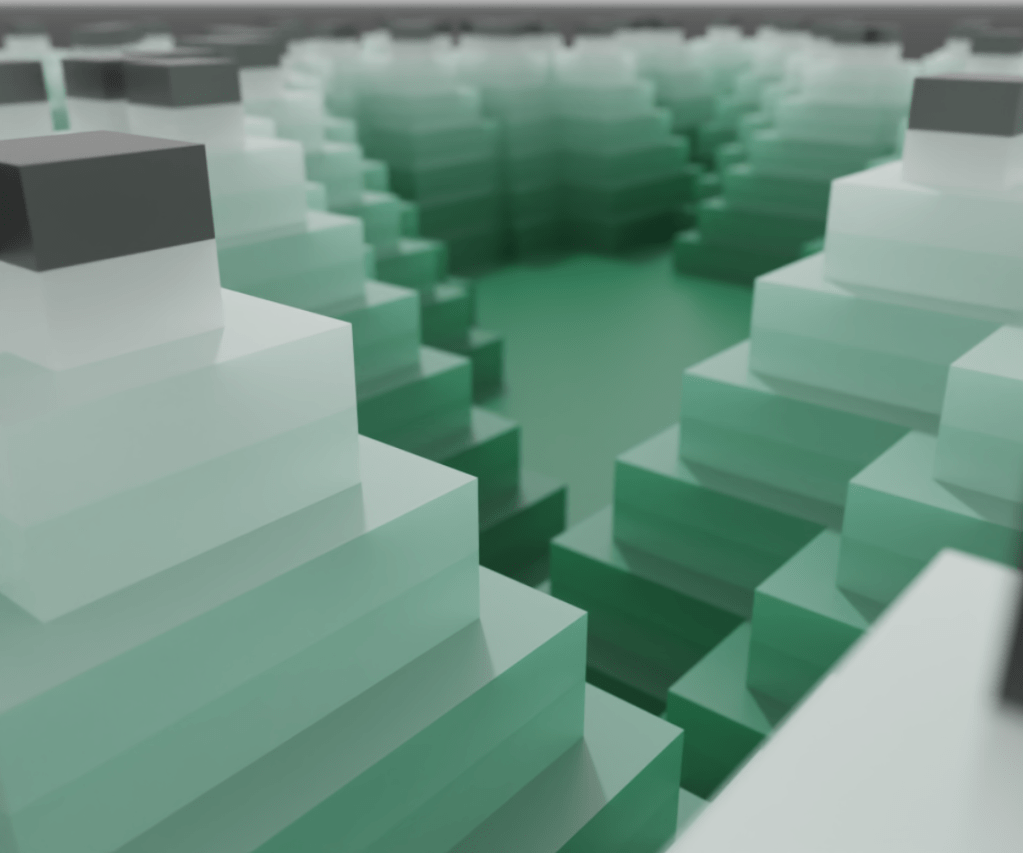
Previously, the only random distribution available was random (white) noise. Perlin allows for clumpier, more natural shapes. Here’s a comparison of the two:
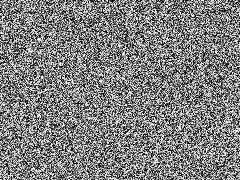
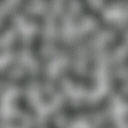
White vs Perlin noise

Neat! The code was adapted from tgirod’s StackOverflow answer about Perlin noise.

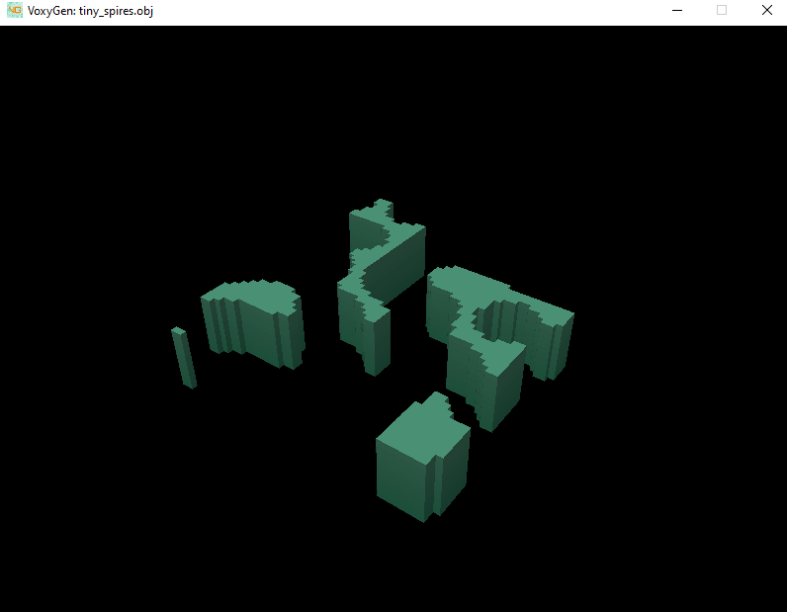
Perlin noise can be used by adding the distribution keyword to any command that depends on utils.generate_seeds. Here’s an example:

---
tiny_spires:
    x: 50
    y: 50
    z: 10
    script: [
        {
            name: spires,
            distribution: perlin,
            spawn_rate: 0.2,
            growth_rate: 1,
            width: 1,
            decay_rate: 0,
            color_start: 1,
            color_offset: 1
        }
    ]

Note that the default seed behavior is still random for life and spires, but you set your own default when writing your own command modules.

Here’s an example of how to use the distribution variable when writing a command module.


spire_bases = generate_seeds(entity, spawn_rate=spawn_rate, distribution=distribution)

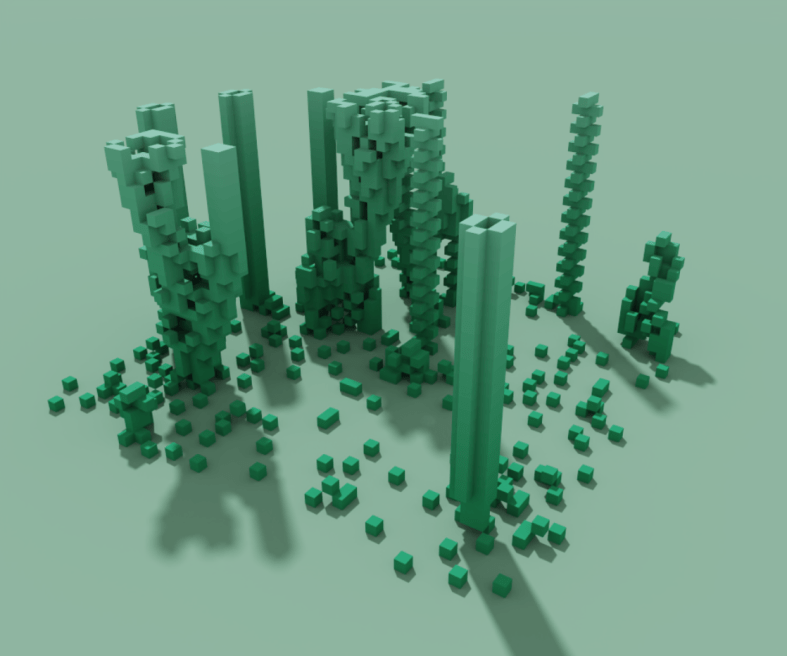
Here it is when used to seed the first layer of life. Notice how the bottom layer looks much more organic than the previous white noise scheme.

As always, this is all available in the VoxyGen GitLab repo.

That’s all for now. Happy codin’.

Creating the VoxyGen Thumbnail Pic

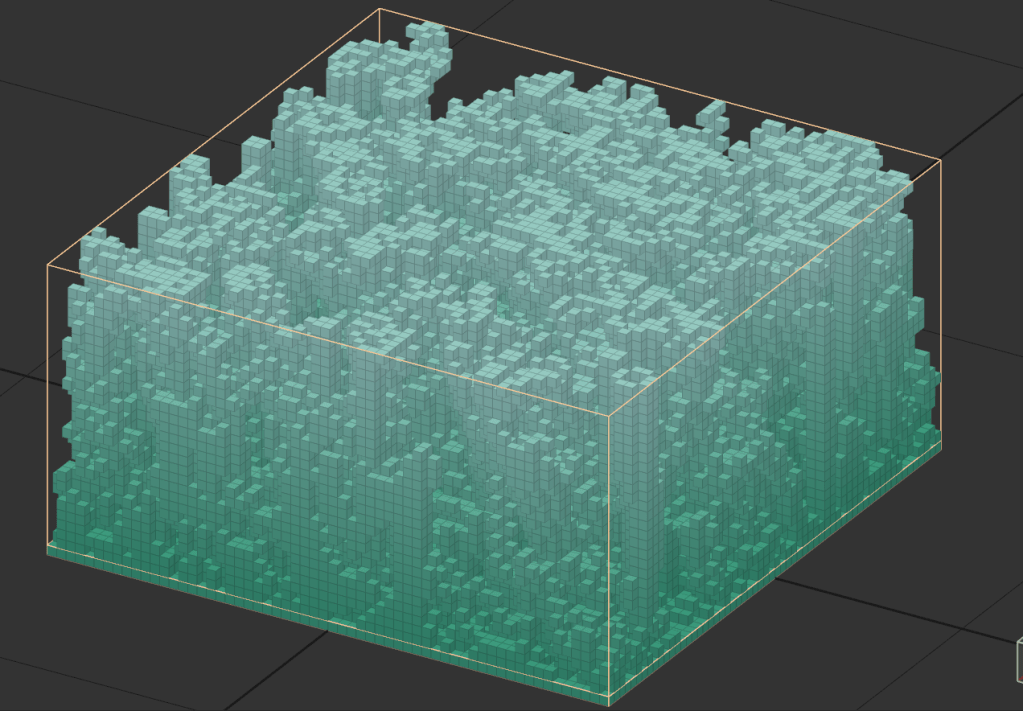
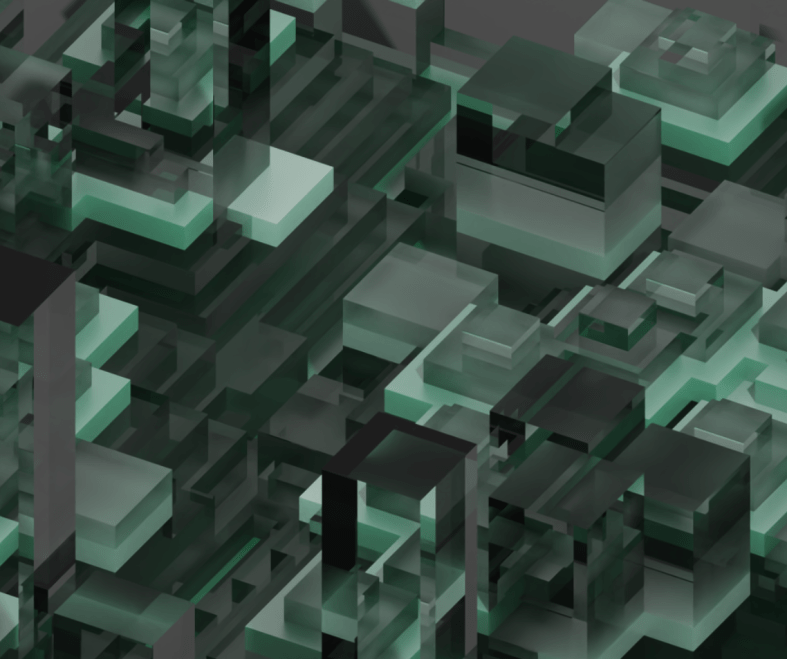
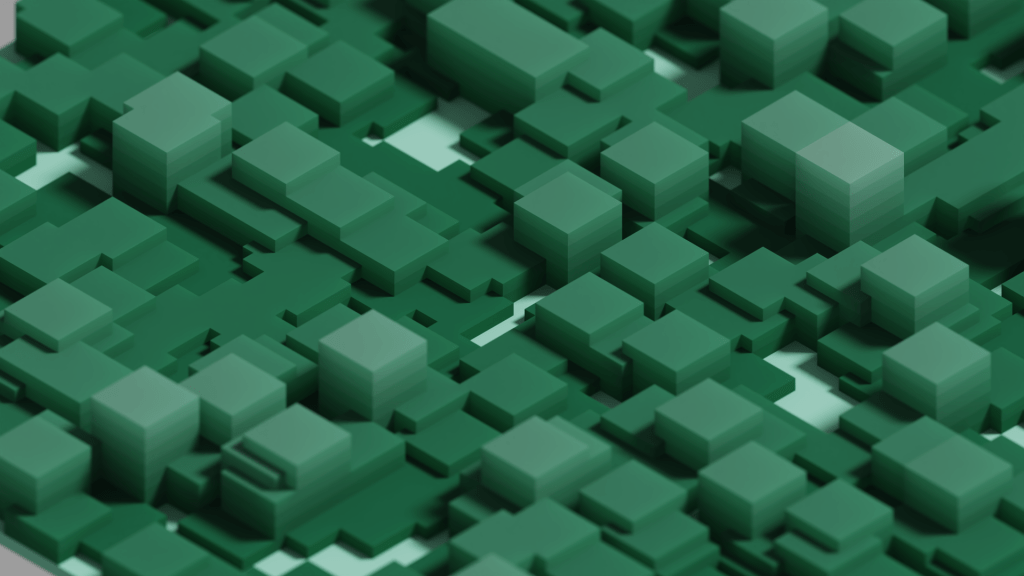
The VoxyGen repo needed a flashy picture, and what better way than using a bit of its own functionality?

I used this vxgn script to create a nice, dense, organically random block with a solid floor

---
life-dense:
x: 60
y: 60
z: 30
script: [
{
name: life,
spawn_rate: 0.5,
color_start: 1,
color_offset: 1
},
{
name: life,
spawn_rate: 0.5,
color_start: 1,
color_offset: 1
},
{
name: floor,
color: 1
}
]

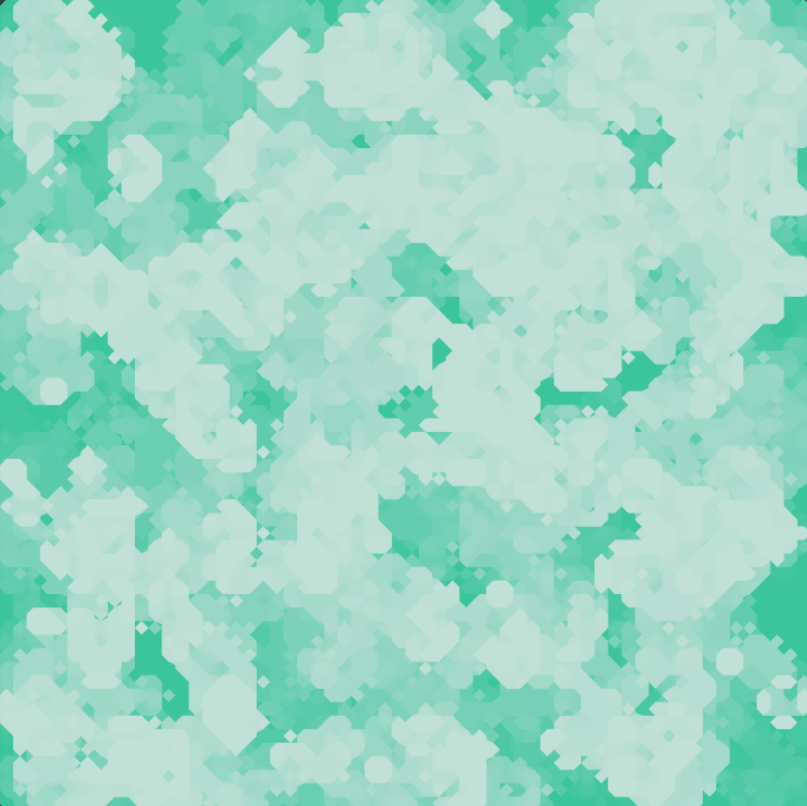
This actually makes a really cool organic texture when viewed from above and shadeless!

By switching the voxel shape to marching cubes, we get something a little less Minecraft-y

And finally, with the logo overlaid

Neat! This is actually a really good example of how quickly VoxyGen can churn out interesting results, especially when paired with a little creative manual input.

Bringing Life to VoxyGen

Sorry for the clickbait title, it was low hanging fruit.

Today I’ll be adding Conway’s Game of Life to VoxyGen. If you’re not familiar, it is a zero-player simulation “game” with simple rules, but it has been studied extensively by mathematicians and scientists for decades.

“Life” takes place on a two dimensional grid. Each “turn”, all of the “cells” are evaluated to generate the next iteration. This can repeat indefinitely.

Here’s an example of a famous structure, dubbed Gosper’s Glider Gun, that creates knots of traveling cells:

Life operates by a simple set of rules:

  1. If a cell is ON and has fewer than two neighbors that are ON, it turns OFF
  2. If a cell is ON and has either two or three neighbors that are ON, it remains ON.
  3. If a cell is ON and has more than three neighbors that are ON, it turns OFF.
  4. If a cell is OFF and has exactly three neighbors that are ON, it turns ON.

From this, there are many possibilities for patterns and structures, with interesting new ones being discovered all the time.

The implementation is pretty straightforward:

def life_layer(old_layer, color):
x_size = len(old_layer)
y_size = len(old_layer[0])
new_layer = np.zeros((x_size, y_size), dtype=int)
for x in range(x_size):
for y in range(y_size):
neighbors = count_neighbors(old_layer, x, y)
if old_layer[x][y] != 0: # alive
if neighbors < 2:
new_layer[x][y] = 0
elif neighbors == 2 or neighbors == 3:
new_layer[x][y] = color
elif neighbors > 3:
new_layer[x][y] = 0
elif neighbors == 3:
new_layer[x][y] = color
return new_layer

Wow, that’s pretty interesting. Right away, we can see some of the classic formations.

Front and center, you can see a static beehive:

Way off to the right, you can see a simple blinker:

And a bit to the left you can see the formation of a stable block:

There’s a lot of creative potential here for injecting some nice, organic randomness into your generated models.

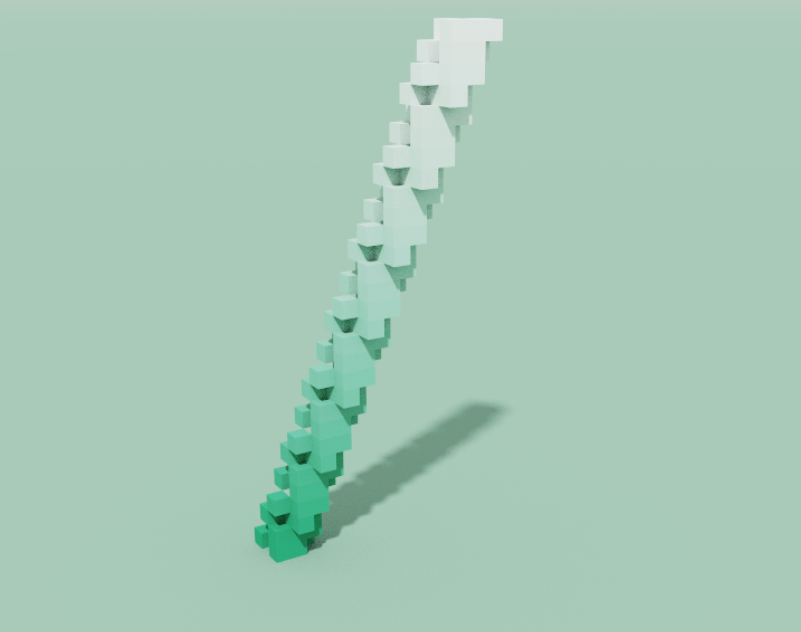
What about some fun stuff? Lets make a glider shape, which you can see being emitted from Gosper’s Gun earlier in this post. This shape will repeat itself forever, flying away into the void.

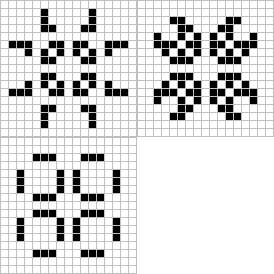
Cool, but lets try a pulsar

Sweet. The pattern injection code is against the spirit of generative art… but in the spirit of the game of Life, I’ll let it slide.

Next time I’ll experiment with further parameterizing the game to allow greater flexibility in rules.

As always, this is available on the VoxyGen Gitlab.

Happy lifing, yall.

VoxyGen YAML Is Here!

Today I took an important step in VoxyGen: YAML compatibility!

For the uninitiated, YAML is a simple data presentation format designed to be human readable and editable. 

Eventually, I’d like VoxyGen to be fully usable (and scriptable) by non-programmers, so this is a great start. Right now, VoxyGen “scripts” contain a bunch of parameters for creating generative voxel pieces. I’m saving them as .vxgn files, even though technically they follow the YAML syntax exactly.

Here’s a simple example of a script that generates pyramid shapes (spires command with decay_rate=1), then overwrites them with rectangular prisms (spires command with decay_rate=0).

---
pyramids-n-spires:
x: 50
y: 50
z: 30
script: [
{
name: spires,
spawn_rate: 0.01,
growth_rate: 1,
width: 15,
decay_rate: 1,
color_offset: 5
},
{
name: spires,
spawn_rate: 0.05,
growth_rate: 0.8,
width: 3,
decay_rate: 0,
color_offset: 10
}
]

You may use some, all, or none of the named arguments for functions named in the wiki. If you don’t specify the value for an argument, a default value will be used.

This is the result! 

It also looks very snazzy with half of the materials set to glass shaders.

This update is available in the Voxygen Gitlab repo

Revamping VoxyGen

After a few busy months of other projects, I’m ready to knock the dust off of VoxyGen!

If you’re not familiar, voxels are essentially the 3d form of pixels. You can use these little blocks to make some staggeringly beautiful scenes, robust interior designs, fun data visualizations, and of course, giant robots. My pal megavoxels on Instagram does an excellent job curating voxel art if you want to see some great examples.

Voxygen is substantial extension for the py-vox-io package, allowing users to turn mathematical expressions and geometry commands into Magicavoxel .vox files. The goal of VoxyGen is to implement a domain-specific language with which users can easily create generative voxel art. Ultimately, I’d like to interface this with a browser client or Discord bot or something to allow super easy access.

Since it’s been about six months since I opened the project, of course I had to do some fiddling with dependencies. When importing py-vox-io, you use an internal package called pyvox like so:

import numpy as np
from pyvox.models import Vox
from pyvox.writer import VoxWriter

PyCharm attempts to fill this dependency with pip install pyvox, which unfortunately does not work, as it gets confused with an old medical imaging package (actually called pyvox) from 2006. You’ll receive the error:

ERROR: Could not find a version that satisfies the requirement pyvox (from versions: none)

To rectify this, one can simply pop open the PyCharm console and type pip install py-vox-io

Sweet.

It’s alive! Something you may notice is the obfuscation of x, y, and z dimensions from the user. This is because, for some odd reason, py-vox-io regards the second dimension as vertical. I’ve seen this in a few other places before, namely older style modeling tools like Blockbench. Personally, I find it absolutely egregious and I’m willing to take great pains to right this wrong.

Let’s do something a little more exciting. I revamped a fun little function called generate_spires:

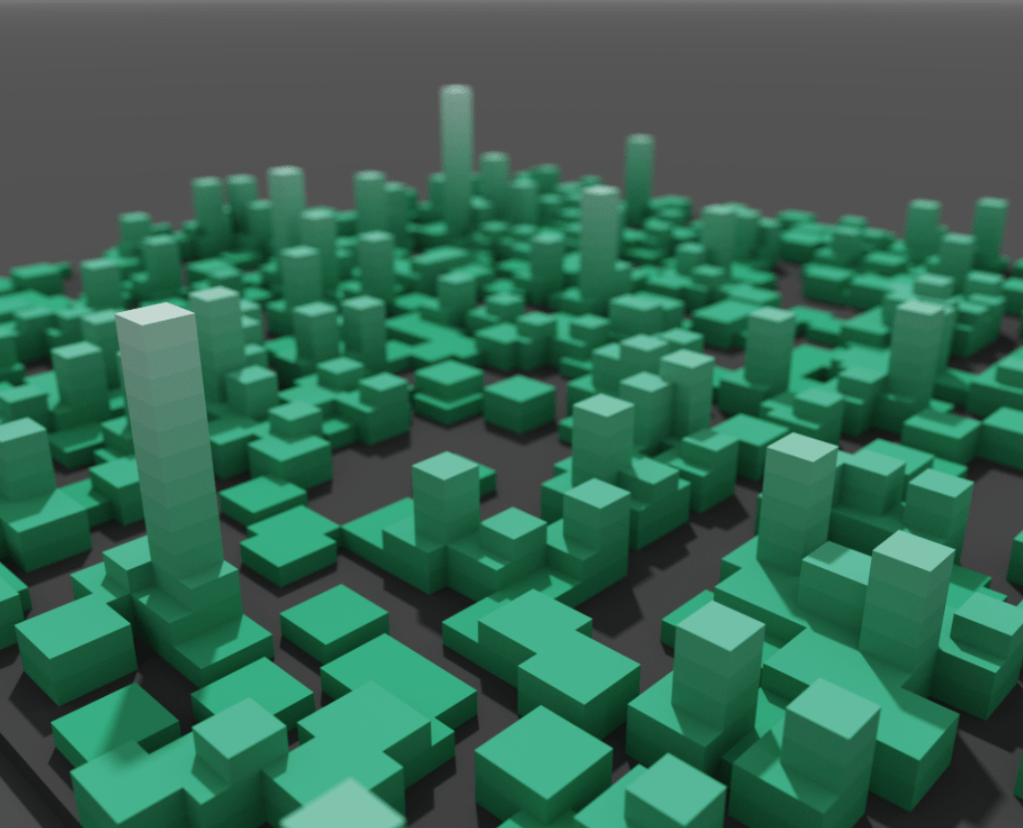
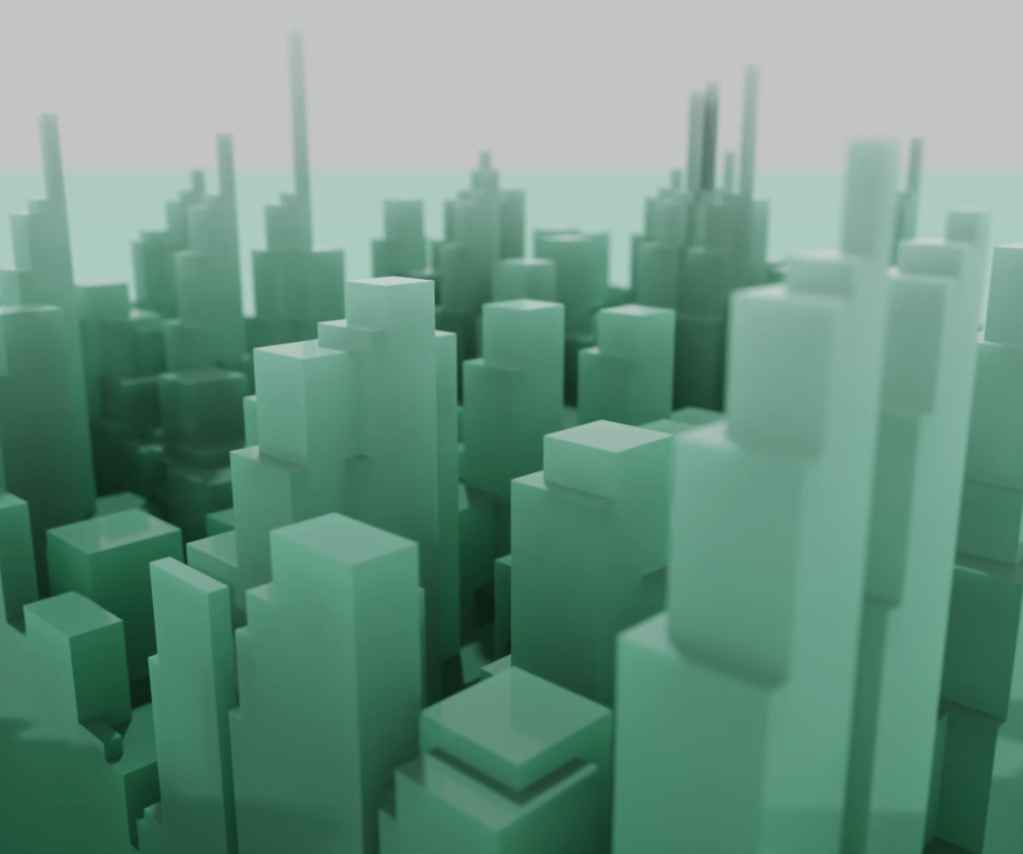
The code behind the scenes is still a bit of a mess, but the results are pretty neat. Here’s a few more generative pieces from the spire function.

Neato. Next time, I’ll refactor the spires function for efficiency and maybe add some new toys to the mix. If you want to follow the project, it’s on GitLab. Happy coding!